
CodeB web wallet – CodeB Wallet in your browser
No app? The CodeB web wallet is CodeB Wallet in the browser, with the same look and the same sharing rules as the Android app. It runs on iPhone, Android phones and computers and can be added to your home screen. On an iPhone? Use the CodeB web wallet in Safari. It works today, until the CodeB Wallet app is available for iPhone.
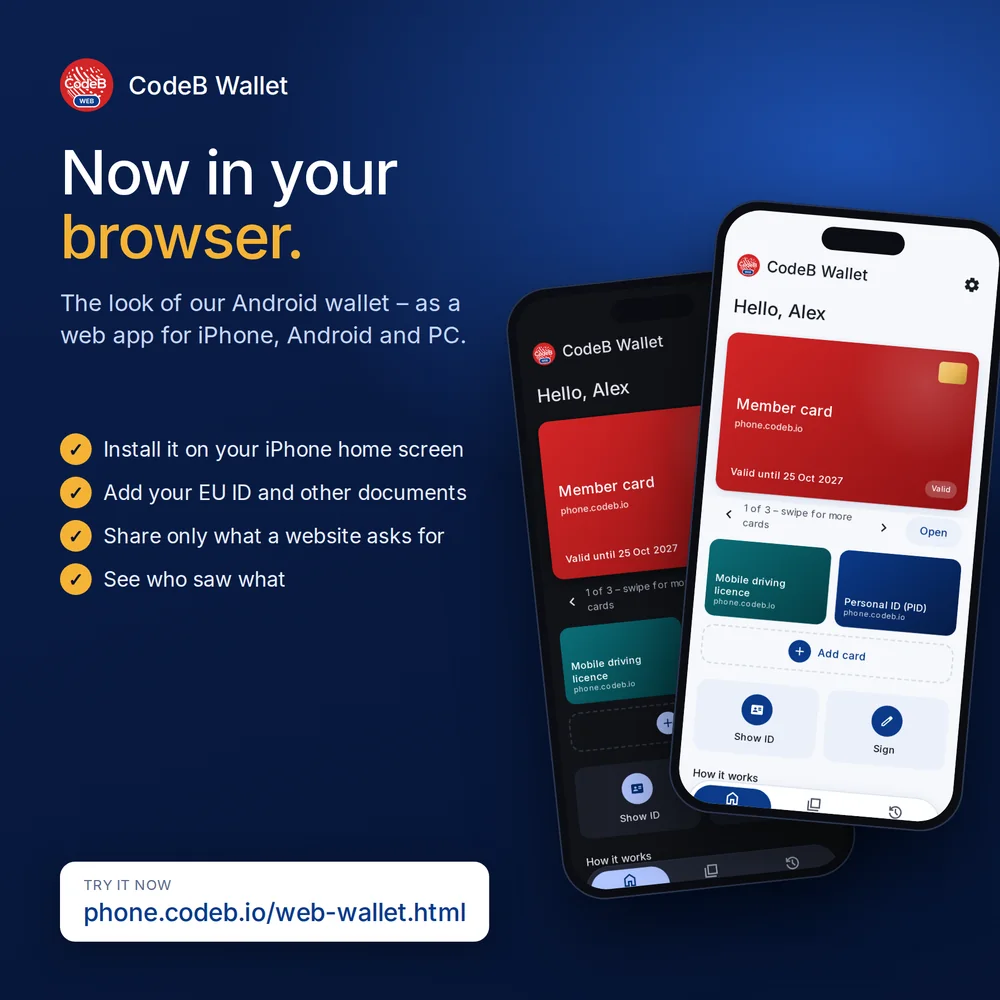
What the web wallet does
Add documents. Add your person identification data (PID), a mobile driving licence, membership cards and other documents from the same issuers as in the app (OpenID4VCI). On a computer without a camera you can paste a link instead of scanning a QR code.
Share only what is asked for. Scan a website’s QR code or open its link. The web wallet shows who is asking – with the verified name of the website – and which items it wants. You share only those items (OpenID4VP). Websites that cannot be verified against the trusted lists are blocked, as in the app.
See who saw what. The history lists which items you shared with which website – never the values themselves.
Stays up to date. Revoked documents are marked and can no longer be shared. The web wallet checks this when it starts and every 15 minutes while it is open.
On an iPhone
On an iPhone? Use the CodeB web wallet in Safari. It works today, until the CodeB Wallet app is available for iPhone.
- Open phone.codeb.io/web-wallet.html in Safari.
- Tap Share → Add to Home Screen, then open CodeB Wallet from your home screen.
- Sign in and add your documents in the home-screen app: an iPhone keeps documents of a Safari tab and of the home-screen app apart.
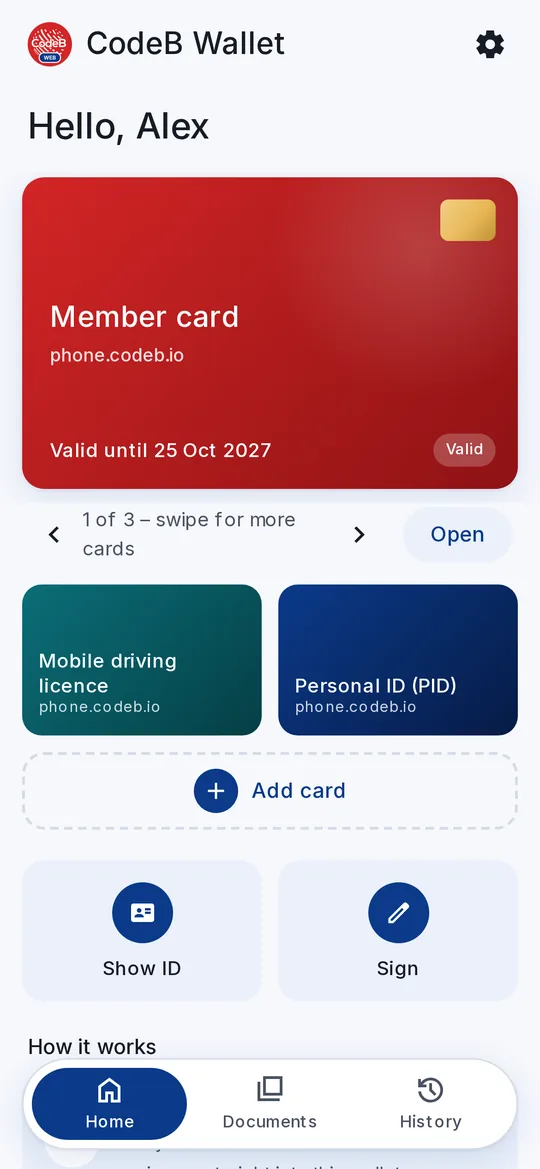
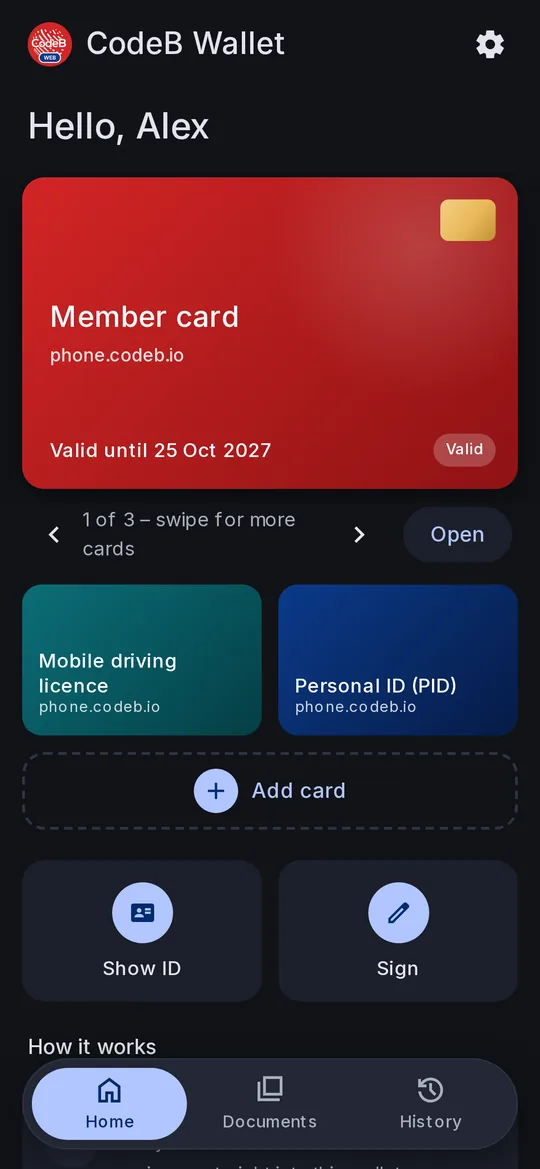
On Android and on a computer, choose Install app in the browser menu to get the web wallet as an app.
Web wallet or app?
| Web wallet | Android app | |
|---|---|---|
| Runs on | iPhone, Android, computer (browser) | Android phones |
| Add documents, share them online | Yes | Yes |
| Keys | created by the browser, cannot be exported | in the phone’s secure hardware |
| Show your ID in person (NFC, Bluetooth) | No | Yes |
| Read passport and ID card chips, signature cards | No | Yes |
| Checks in the background | only while it is open | Yes |
| Certified | No | No |
For keys kept in your phone’s secure hardware and for showing your ID in person, use the app. Some issuers only issue a document to the app because the web wallet cannot prove its keys are in secure hardware.
How to start
- Open the web wallet: phone.codeb.io/web-wallet.html.
- Add it to your home screen (iPhone) or install it (Android, computer).
- Sign in with your CodeB account – the free account works – and add your first document.
- Technical details: How the web wallet works.
Questions about the web wallet
Is the web wallet free?
Yes.
Do I need the app as well?
No. The web wallet works on its own. For keys in secure hardware, showing your ID in person and reading ID chips, use the Android app.
I added a document in Safari, but the home-screen app does not show it. Why?
An iPhone keeps the data of a Safari tab and of the home-screen app apart. Install the web wallet on your home screen first, then add your documents there.
Is the web wallet certified?
No. Like the app, it is designed to follow eIDAS 2.0 and the EU Architecture and Reference Framework, but it is not certified.