
Paper is not going away – why your EUDI Wallet needs a document scanner
Digital identity is moving fast. Paper is not. Contracts are still printed, delivery notes are still handed over at the door, forms still arrive by post. A wallet that can only sign documents that were born digital leaves a large part of everyday life outside. That is why CodeB Wallet – Aloaha’s digital identity wallet, built to the EUDI Wallet Architecture and Reference Framework – has a document scanner built into its signing workflow: photograph the paper, get a PDF, sign it.
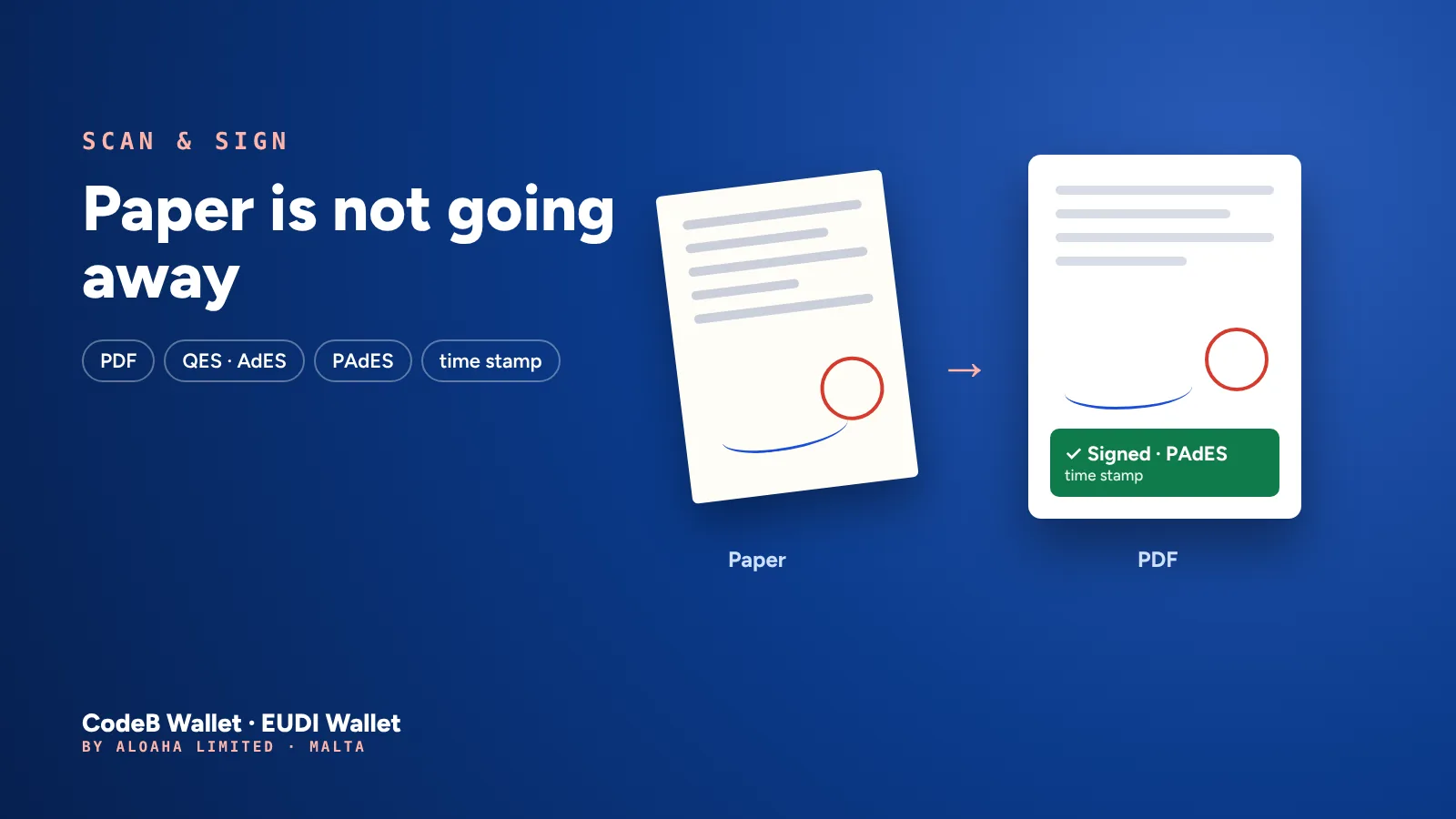
The gap between paper and digital
- 1ScanPhotograph the pages
- 2PDFStraightened, cropped, one file
- 3SignSignature card or signing service
- 4DonePAdES with a trusted time stamp
Getting a paper document signed electronically usually means a detour: scan it on a copier or in a separate app, move the file to a computer, upload it to a signing service, download the result. Every step costs time, and every upload leaves a copy of the document somewhere else.
In CodeB Wallet the whole path is one flow on one phone. The scanner finds the edges of the page, straightens and crops it, and puts up to 20 pages into one PDF. That PDF goes straight into the normal signing workflow.
Sign the way the document needs
Qualified electronic signature (QES) with your own signature card over NFC – for example the Maltese eID, the D-Trust Card or the German health professional card (HBA). Under eIDAS, a qualified signature has the same legal effect as a handwritten one.
Advanced electronic signature (AdES) with the CodeB signing service – no card needed, only a free CodeB account.
Every signature is embedded in the PDF in the PAdES format and gets a trusted time stamp that records when you signed. You can also send the scan to others to sign, with a signature box for every signer: signing requests. CodeB Wallet itself is not certified.
Colour matters: why the scanner keeps it by default
Many scanner apps turn every page into high-contrast black and white. That looks clean – but it can remove exactly what matters on a document: a signature in blue ink, a coloured stamp, a highlighted correction, the colour code of a form.
CodeB Wallet therefore lets you choose in Settings → General → Document scanner:
- Basic (default): crop and straighten only – the colours stay as they are.
- Basic with filters: keeps the colours; black and white only if you choose it yourself.
- Full: automatic clean-up – removes shadows and raises the contrast, often in black and white.
So the PDF you sign shows the page as it was – and you decide when a cleaner look is worth more than the original colours.
Private by design
The scanner runs on your phone – it is Google’s document scanner from Google Play services. CodeB Wallet needs no camera permission for it, and scanning uploads nothing.
When you sign with the CodeB signing service, only the document’s fingerprint (hash) leaves the phone, never the PDF. With a signature card, the card signs and only a fingerprint of the signature goes to the time-stamp service. The PDF leaves your phone only when you share it or send it in a signing request.
What a signed scan is – and what it is not
Signing a scan records that you signed exactly this content, at this time, and that nothing was changed afterwards. That suits your own declarations on paper forms, delivery notes, acceptance records, internal approvals or an agreed copy you want to keep as evidence.
It does not turn other people’s handwritten signatures on the paper into electronic ones. If a document needs everyone’s electronic signature, scan it once and send it as a signing request – each person then signs in their own wallet.
Try it
- On the home screen tap Sign, then Scan document.
- Photograph the pages – up to 20 – or pick photos you already took, and tap Save.
- Check the PDF and choose Sign with signature card or Sign document (CodeB signing service).
- Confirm – then Save to phone or Share.
All details: Scan & sign.
Why it matters
The EUDI Wallet is meant to make everyday life simpler, and everyday life still includes paper – it will for years. A wallet that brings paper into the digital world, signs it with legal weight and keeps it private is not a nice extra: it is what makes electronic signatures usable for everyone, not only for documents that were already digital. Signatures have been at the heart of Aloaha’s work since 2003; with the scanner they reach the paper on your desk, too.
Questions about scanning in the EUDI Wallet
Can I sign a paper document with my EUDI Wallet?
Yes. In CodeB Wallet tap Sign, then Scan document. The pages become one PDF, which you sign with your signature card (QES) or the CodeB signing service (AdES), with a trusted time stamp.
Does the scanner keep colours?
Yes, by default. The Basic mode only crops and straightens. Black and white is used only in Basic with filters when you choose it, or in the Full mode.
Is the scanned document uploaded?
No. Scanning runs on the phone. For signing, only the document’s fingerprint (hash) is sent; the PDF leaves the phone only when you share it.